Dictation, a notch that runs your Mac, every coding agent in one list, a shelf for files in flight, window snapping, clipboard history, a real Alt-Tab and OCR — the PowerToys of macOS, running entirely on your Mac.
macOS 26+ · Apple Silicon · Signed & notarized · Free & open source
Hold Option + Shift and talk — release, and polished text lands in whatever app has focus.
01 — Everything behind one key
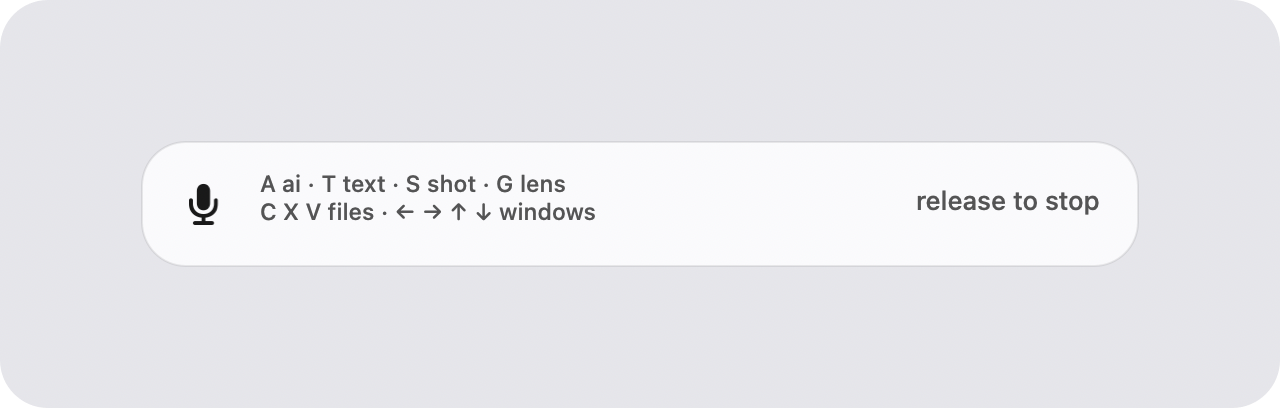
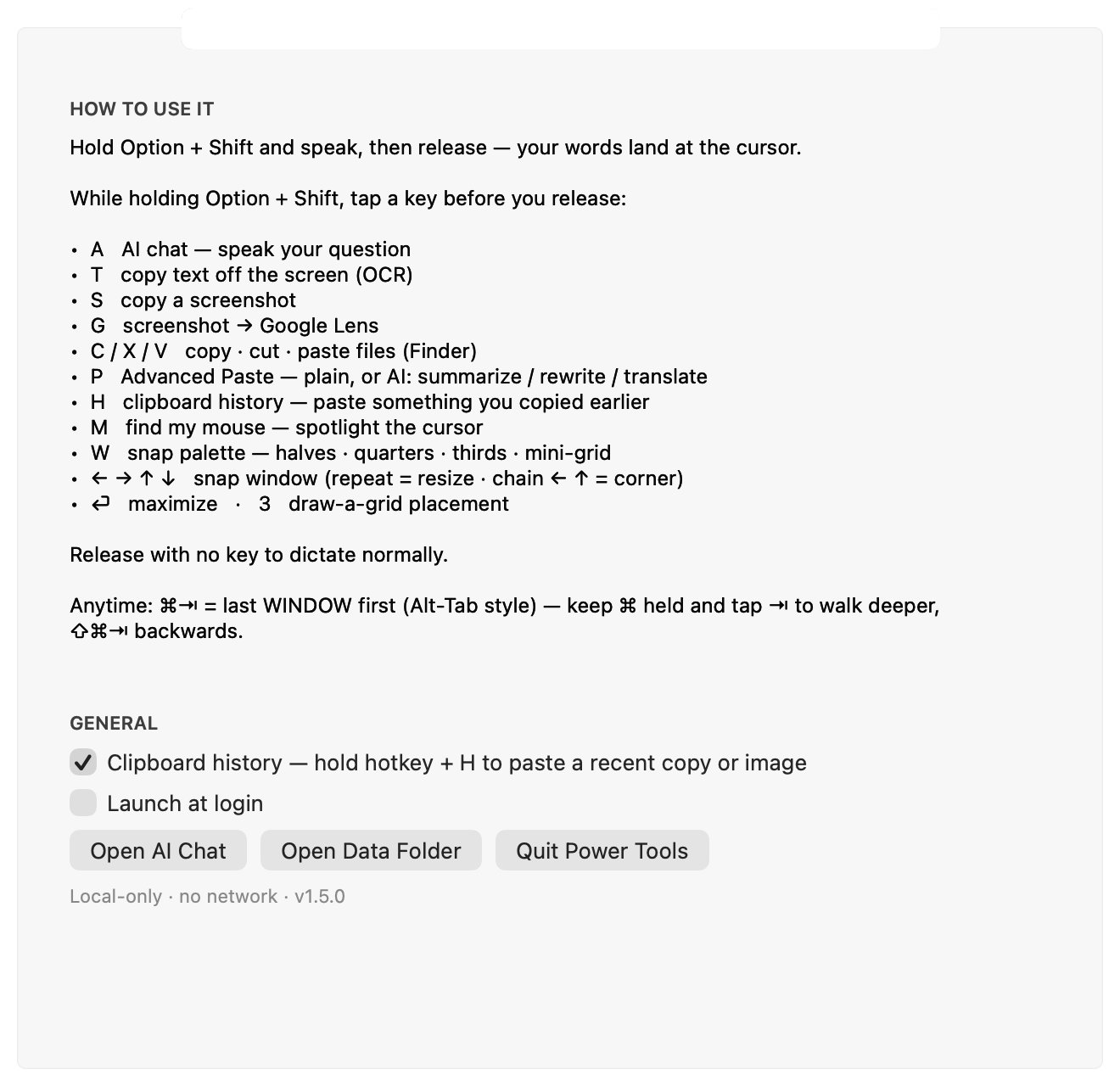
Hold your hotkey, then speak or tap a letter.
The notch, put to work
Your camera housing becomes a panel. Collapsed it is a row of dots — one per Claude Code / Codex / Cursor session, tinted by state. Hover the launcher and every module opens in one row: Hotkeys, Snap, Clock, Calendar, Timers, Weather, Agent Pad, Macro Pad, Shelf, Ask, Usage, System, Disk, Camera.
Agent Pad
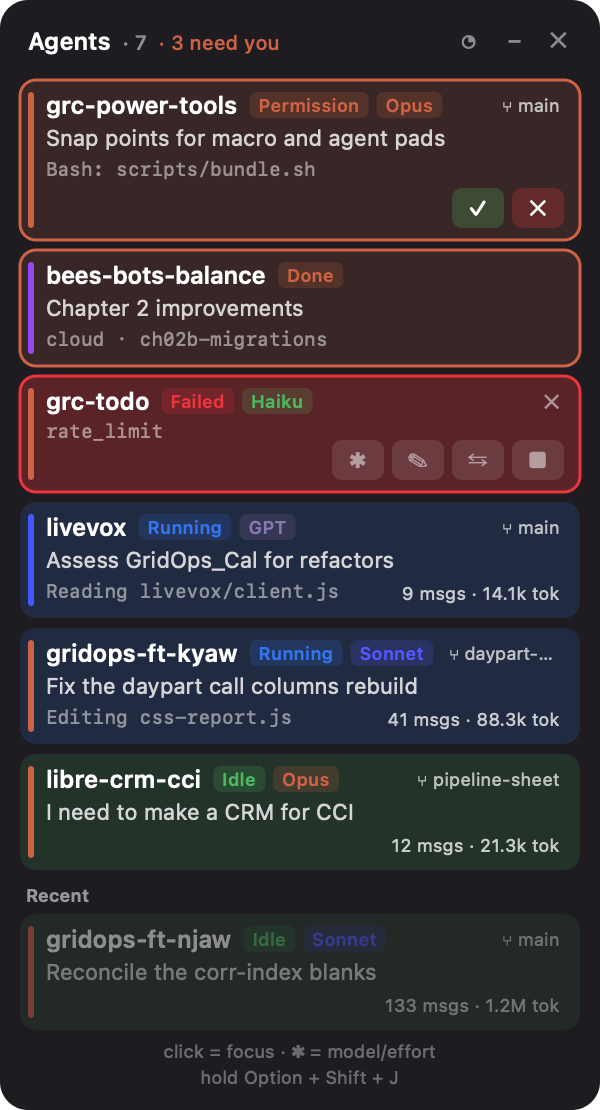
hold + J — every live coding-agent session as a row: what it is doing, which model, how long, what it has spent. A waiting permission carries ✓ / ✕ right on the row, so you answer without switching apps.
Macro Pad
hold + B, or a three-finger tap — an on-screen Stream Deck that swaps its buttons with the app in front. Clicking never steals focus, so the keystrokes land where you are. Filing Outlook mail is one tap, or one digit.
Shelf
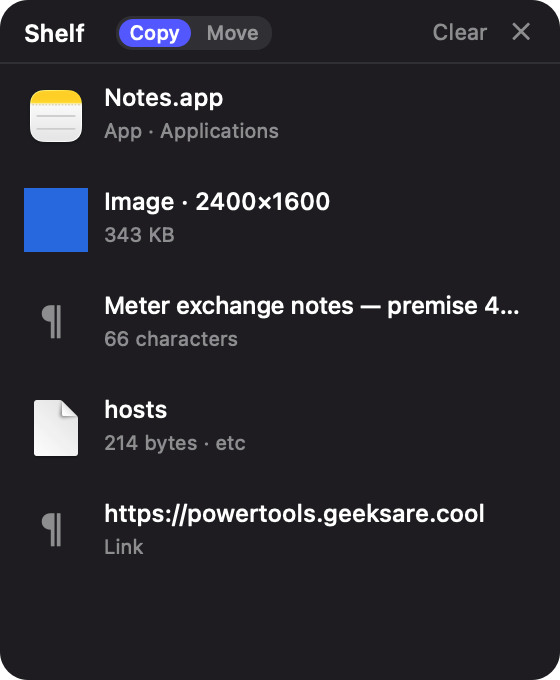
hold + Y — park files, text and images on a tray, then drag them back out somewhere else: across Spaces, between windows that can't both be on screen. Or just drag them onto the notch. Copy by default, Move when you flip the switch.
Screen recording
hold + F — drag a region or take the whole display; a ● badge marks it, a click stops it. The badge never appears in the movie.
Whiteboard
hold + E — annotate the screenshot you just took: pen, arrows, lines, boxes, circles, polygons, text, five colors. ⏎ puts it on the clipboard.
Power Ring
Hold the hotkey and right-click — eight actions in a wheel around the pointer, each one yours to assign.
Chord mode
Hotkey + Space, then hold just Space and type two letters — let go to run. Every menu item of the app in front already has a code — ss Show Sidebar, nt New Tab — or just type part of a name: filt finds AutoFilter.
Dictation
Hold, speak, release. On-device transcription with LLM cleanup — no cloud.
AI chat
hold + A then speak — opens a streaming Claude chat with your message.
Window snapping
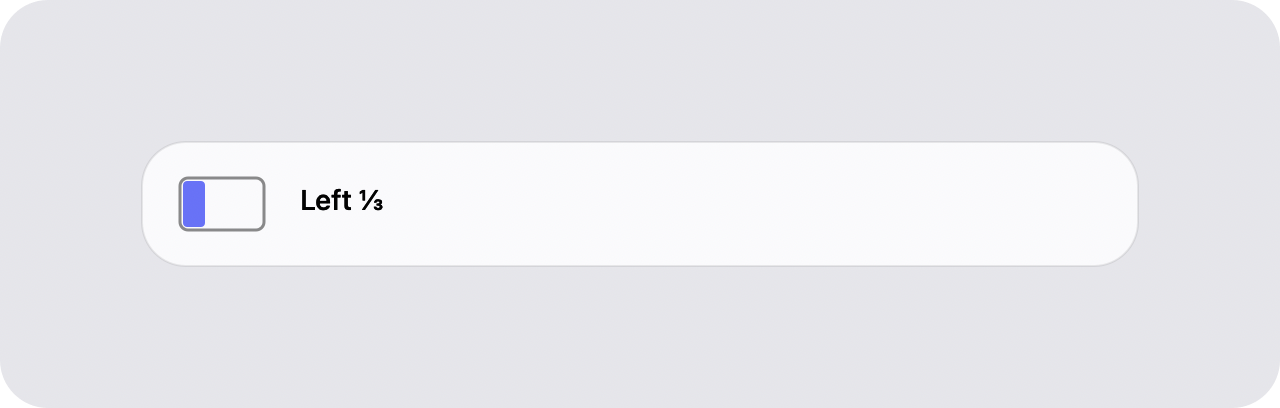
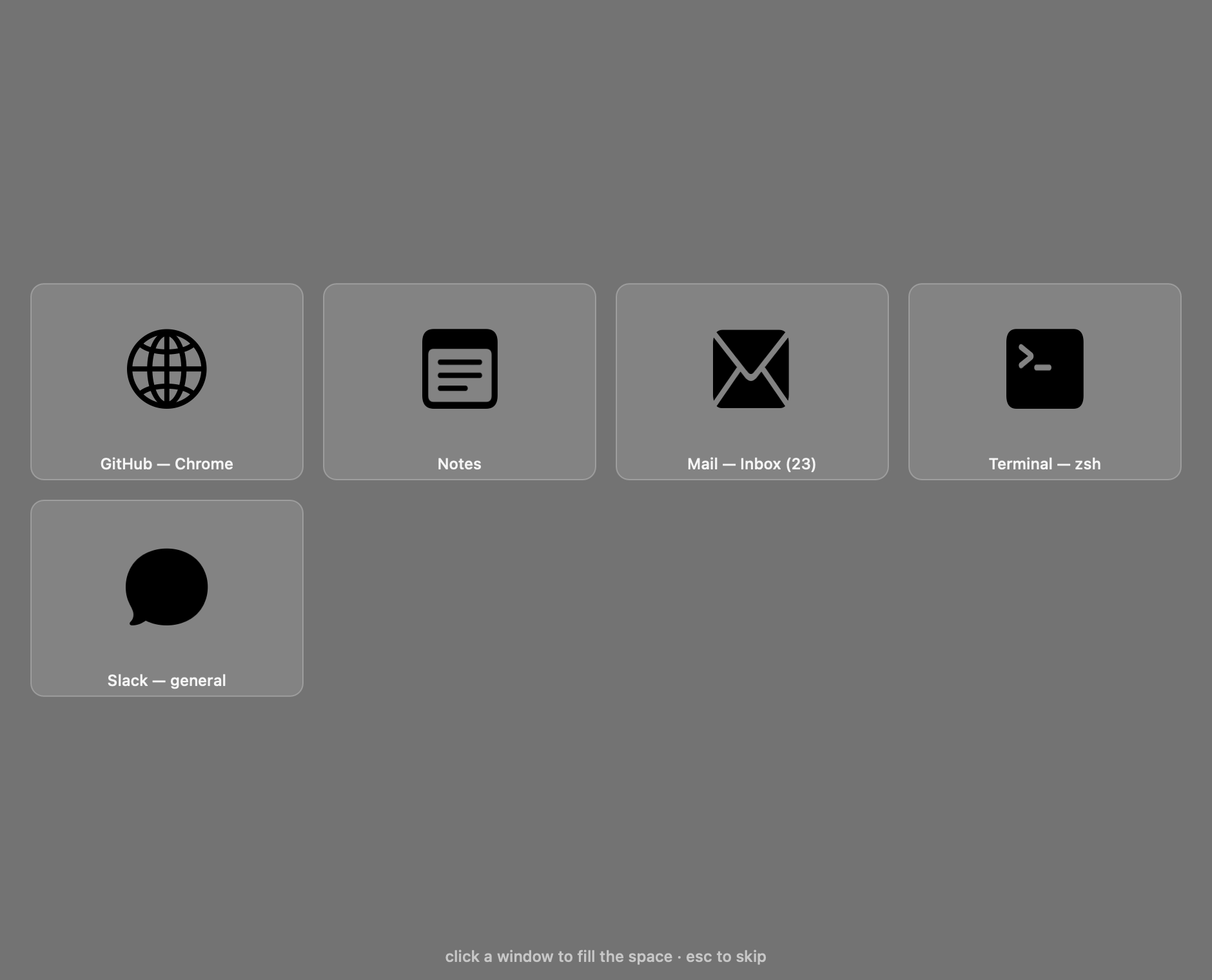
hold + ←→↑↓ to snap; repeat to cycle sizes, chain ← ↑ for a corner. Plus Snap Assist.
Snap palette
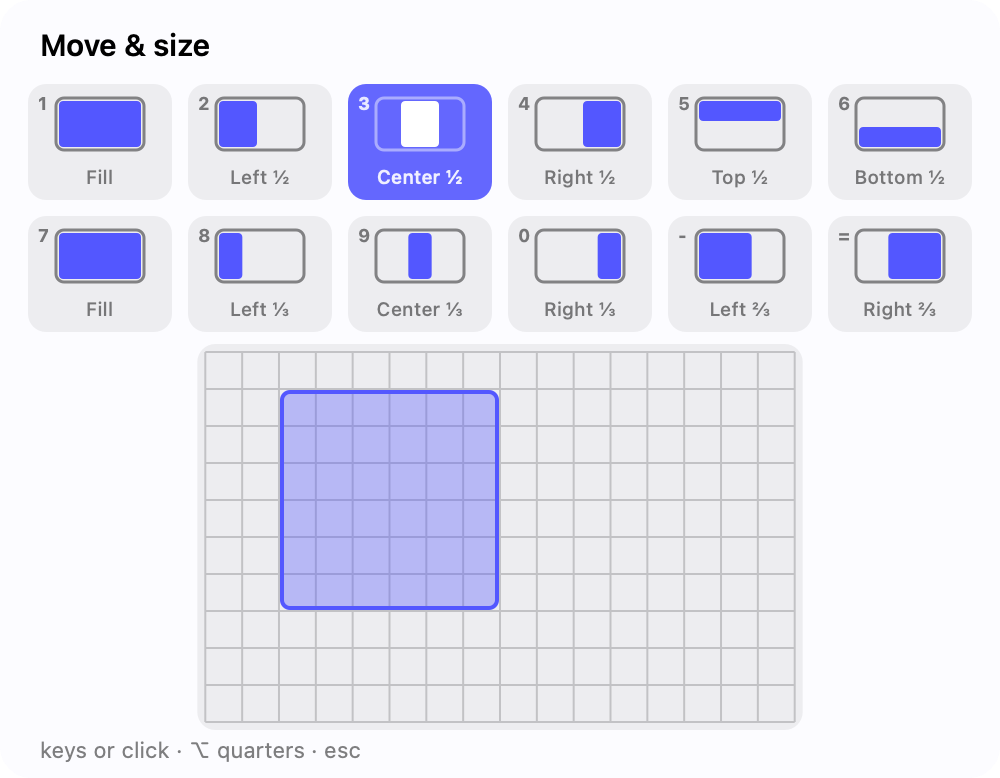
hold + W — Fill, halves, quarters, thirds and a mini-grid, drawn as mini window diagrams with live preview.
⌘Tab, fixed
Like Windows Alt-Tab: hold ⌘ for a strip of live window thumbnails — ⇥ or arrows move, release to switch. Every window is an entry, not every app.
Clipboard history
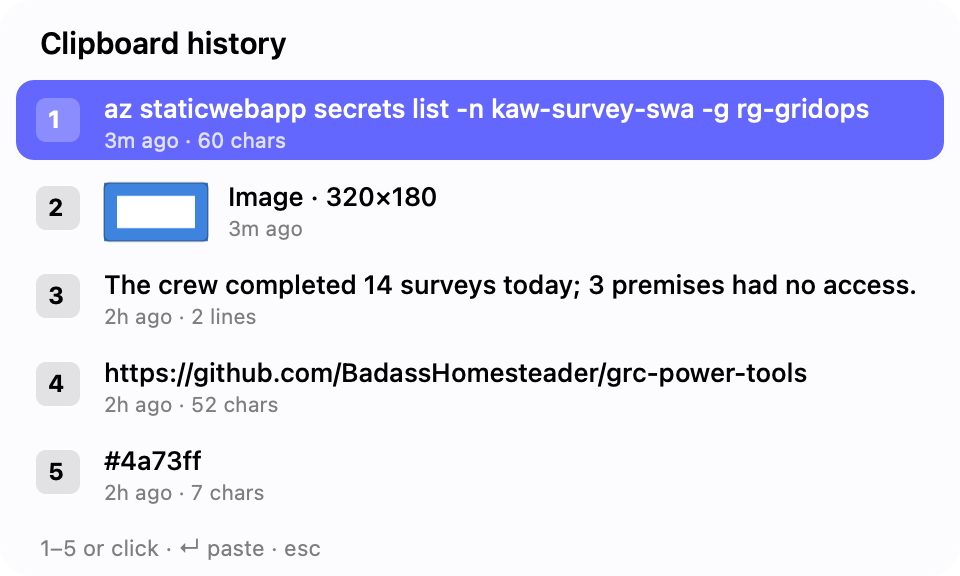
hold + H — your recent copies, text and images with thumbnails. Pick one, it pastes and becomes the clipboard.
Grid placement
hold + 3 and drag across a grid to place a window, Moom-style.
Advanced Paste
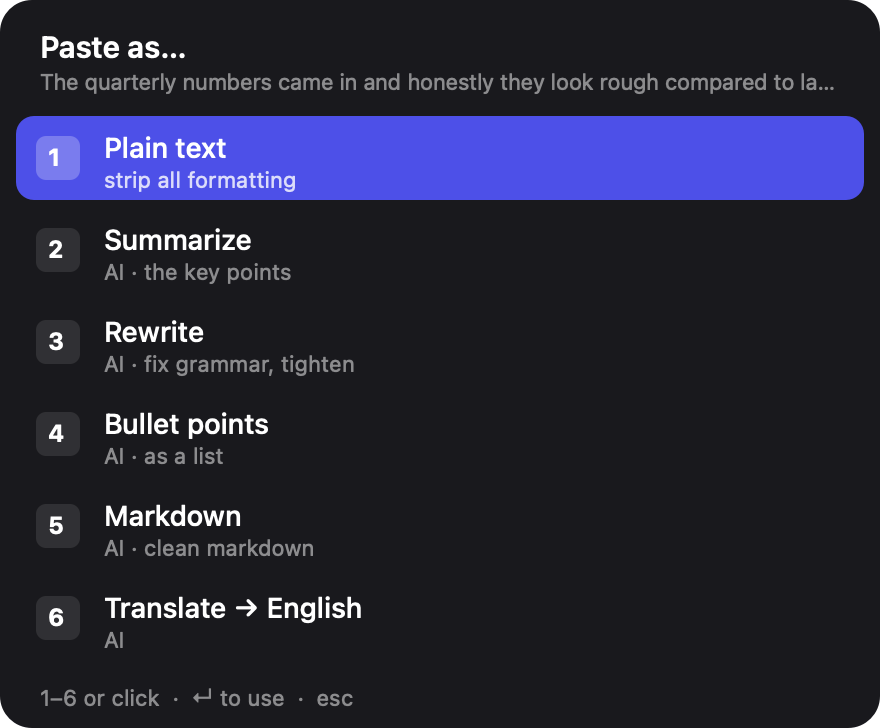
hold + P — fifteen ways to reshape the clipboard. Plain text, case, numbers only, contacts one per line, Clean links (strips utm_, fbclid, si…), then summarize, rewrite, bullets, markdown, translate.
OCR / Text Extractor
hold + T and drag a region — recognized text and tables to your clipboard.
Read Aloud
hold + R and drag a region — the text is read to you in the system voice. Tap again to stop.
File cut & paste
hold + C / X / V to copy, cut and move files in Finder — and ⏎ opens the selection instead of renaming, Windows-style.
Screenshots & Lens
hold + S to grab a region; hold + G for Google Lens.
Find My Mouse
hold + M dims the screen and spotlights your cursor.
Quick Capture
hold + N — type or dictate a line, it POSTs to your endpoint (todo app, n8n webhook). Inline p1 · tomorrow · @context become fields.
Saved layouts
Snapshot every window’s position; restore from the palette or Settings — meeting mode in one keystroke.
Call-safe dictation
Speakers auto-mute while you hold the key and restore on release — the meeting never lands in your transcript.
02 — A look inside
Built like a native app, not a menu-bar toy.
The notch. Hover the launcher and every module is one row of icons, at the size they keep when one opens.
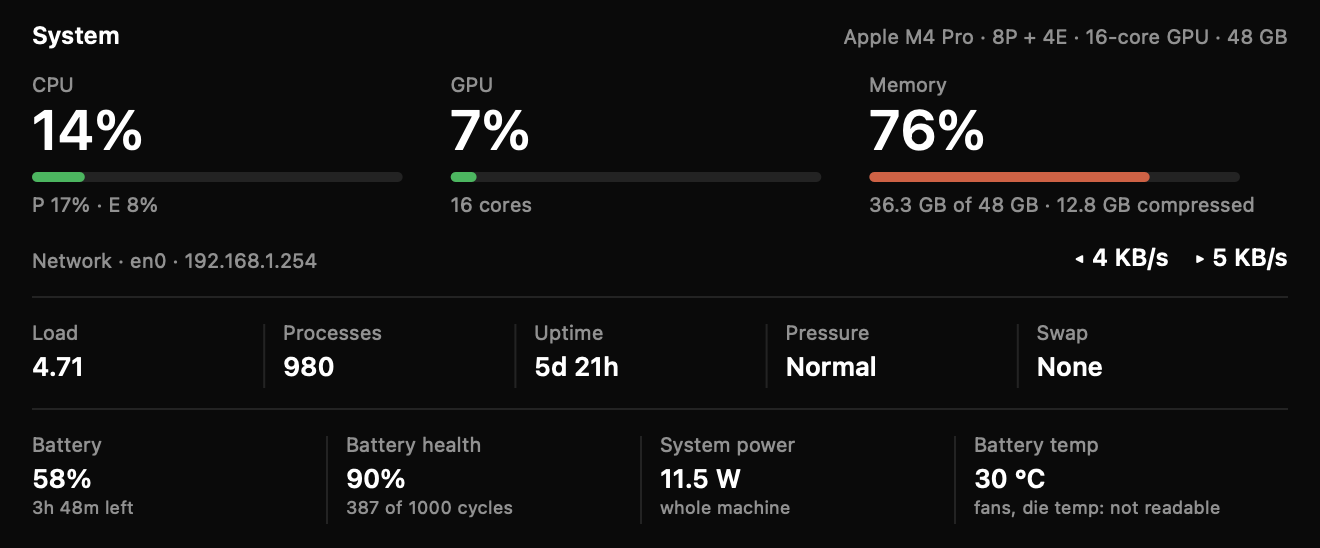
System. CPU with its P/E split, GPU, memory, network, and the battery's health and draw — read from this Mac, live.
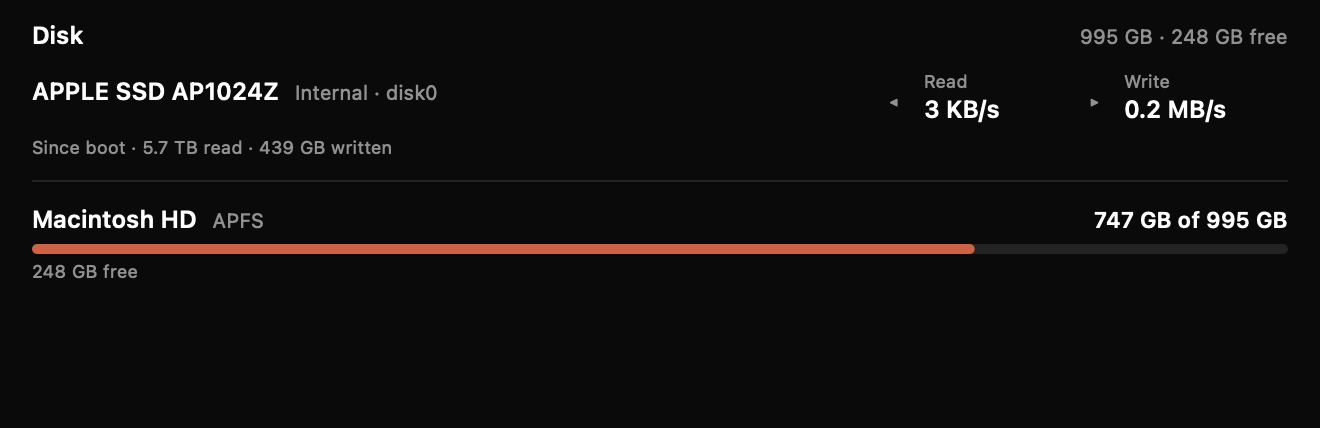
Disk. Each volume's used/free bar over the live read/write of the drive underneath it.
Shelf. Park anything on it, drag it back out somewhere else. Copy by default, Move when you say so.
Agent Pad. Every coding agent in one list, with ✓/✕ on the row that's waiting for you.
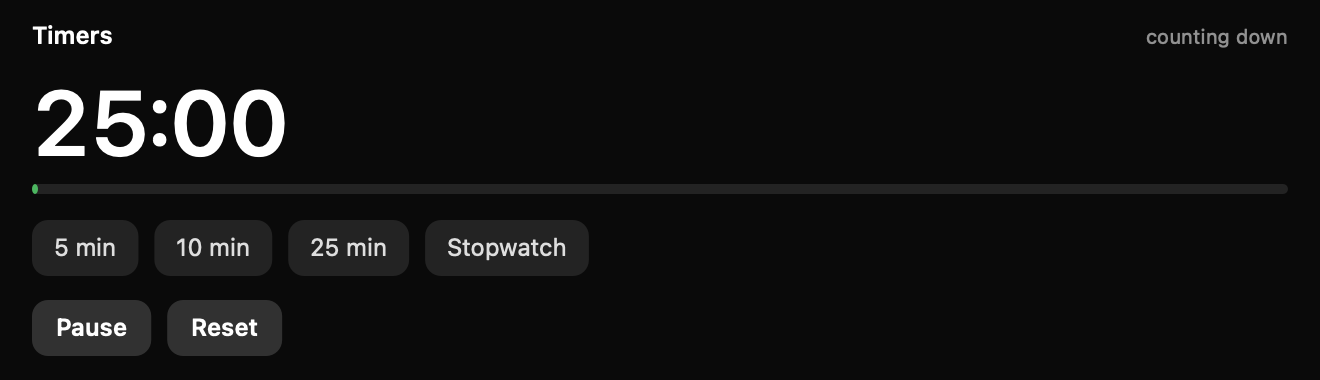
Timers. A countdown and a stopwatch that keep running when the notch folds.
Snap palette.hold + W — every target drawn as a mini window diagram, with a drag-to-sketch grid.
Clipboard history. The Win+V macOS never shipped — text and images, thumbnails included.
Window snapping. Snap to any side, cycle sizes, then fill the gap with Snap Assist.
Snap Assist. After a snap, pick another window to fill the empty half.
Advanced Paste. A palette to reshape whatever's on your clipboard.
Settings. A left rail — hotkey, windows, dictation, dictionary, AI, keys, Macro Pad, Agent Pad, Shelf, Notch, connections, permissions.
03 — Local by default
Your words stay on this Mac — unless you say otherwise.
Speech recognition is Apple's on-device SpeechAnalyzer. Cleanup is Apple's on-device model. History lives in a local SQLite file.
Everything cloud is opt-in and runs on your own API key — AI chat, Claude/OpenAI dictation cleanup, and Advanced Paste's smart transforms — and nothing is sent until you use them. Little-Snitch-clean by design.
04 — Install in a minute
No App Store, no account.
STEP 01
Download & open
Grab the .dmg, drag Power Tools into Applications, and open it. Signed & notarized — it just opens.
STEP 02
Grant permissions
Allow Microphone and Accessibility when prompted — needed for the hotkey and dictation.
STEP 03
Hold ⌥⇧ and go
Hold Option + Shift and speak, or tap a letter/arrow for any of the tools.